The profile photo that works: what a good LinkedIn headshot actually needs
Be honest. Is your LinkedIn photo a cropped wedding pic? A group shot with someone's shoulder poking in? That one from 2017 where you look great but, well, not like you anymore?
No judgement. Most of us have been there.
But here's the thing. Your photo sits next to your name everywhere on LinkedIn: search results, comments, messages, the "people you may know" list. Before anyone reads a word you've written, they've already seen your face. It's your handshake before the handshake.
The good news? A photo that works isn't about being photogenic. It's about getting a handful of basics right.
What a good headshot is actually for
A LinkedIn photo has one job: make the right person feel like they'd be happy to talk to you.
Not "look like a model". Just approachable, professional, and recognisably you. If someone meets you for coffee, they should spot you straight away.
Framing: closer than you think
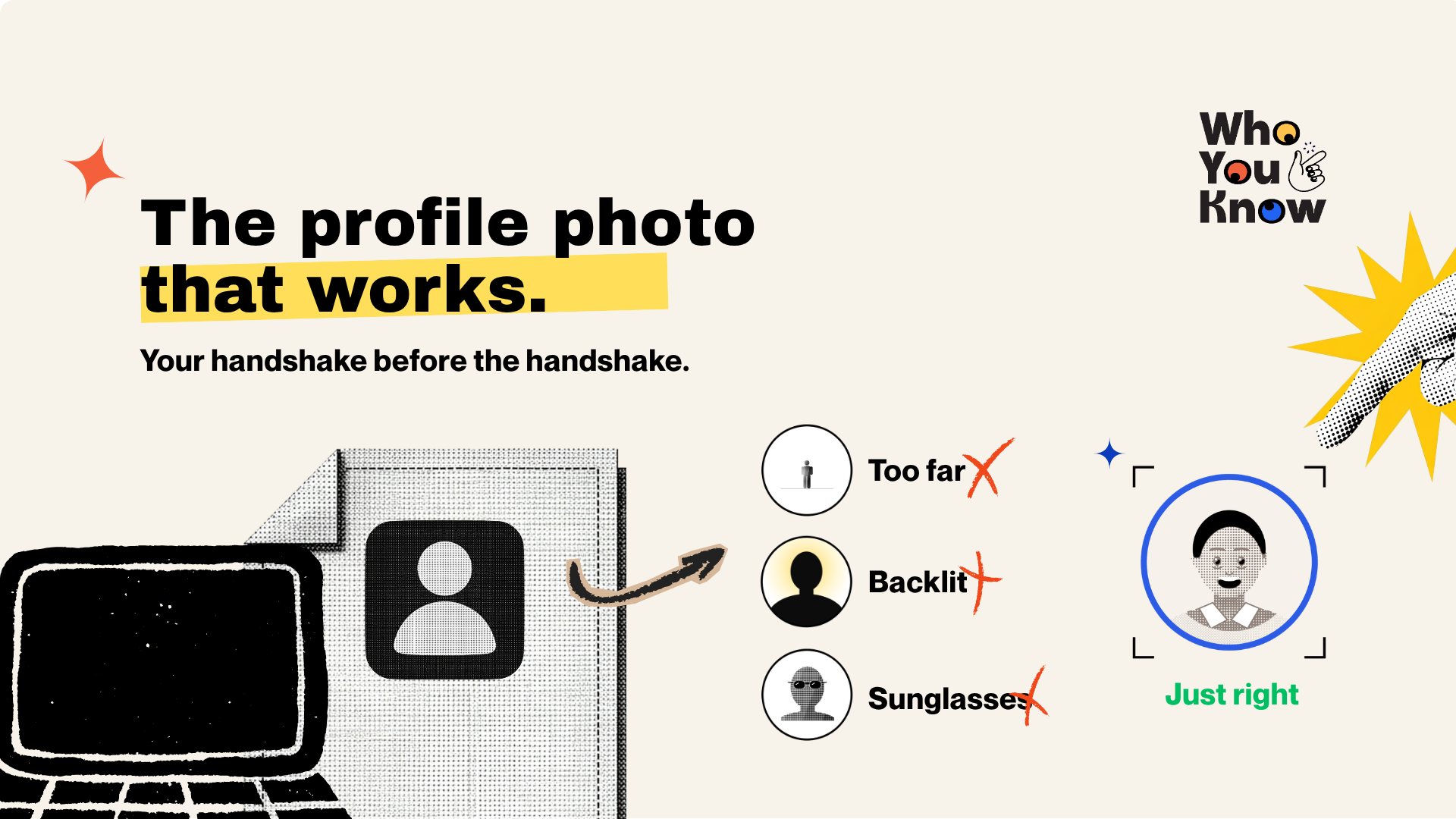
LinkedIn shows your photo as a small circle. Tiny, most of the time. So your face needs to fill most of it.
- Head and shoulders, from about mid-chest up.
- Face roughly in the middle, with a little space above your head, not a lot.
- Camera at eye level or just above. Shooting from below does nobody any favours.
If you have to squint to find yourself in the thumbnail, you're too far away.
Light: the thing that makes or breaks it
Light matters more than your camera. Honestly.
- Face a window. Soft daylight from the front is the easiest flattering light there is.
- Avoid harsh midday sun. It gives you squinty eyes and hard shadows. Overcast days or open shade are your friends.
- No light behind you. A bright window behind your head turns you into a silhouette.
- Skip overhead office lights on their own. They cast shadows under your eyes and make everyone look tired.
Background: boring is good
Your background should do absolutely nothing. A plain wall, a softly blurred office, some out-of-focus greenery. All great.
What doesn't work: a messy bedroom, a bar, or anything that makes people wonder where you are.
Expression: the natural, slightly-too-early smile
Stiff "passport face" reads as nervous. A huge grin can feel forced. Aim for somewhere in between: relaxed, eyes engaged, like you've just spotted a friend across the room.
Tips that actually help:
- Take lots of shots. The good one is usually somewhere in the middle.
- Think of something genuinely funny just before the shutter goes.
- Drop your shoulders and breathe out. Tension shows up in your jaw.
- Look straight into the lens, not at the screen.
What to wear for your industry
Dress one notch above what you'd wear on a normal workday in the job you want.
- Corporate, finance, law, consulting: a blazer or suit jacket, collared shirt or smart top. Neat and simple.
- Tech, startups, product, design: a clean, well-fitting top or knit. Smart casual. A suit can actually look a bit out of place.
- Creative, marketing, media: more room for personality. A bit of colour or a signature style is fine, as long as the focus stays on your face.
- Health, education, trades, public sector: tidy and practical. A collared shirt or neat top works almost everywhere.
Across the board: solid colours beat busy patterns, avoid logos, and pick something that contrasts a little with your background so you don't blend in.
Phone or photographer?
Both can work. It depends on what you've got and how much the photo matters for your next move.
A phone can do the job if you:
- use the back camera (it's usually better than the selfie one)
- get a friend to take it, or use a tripod and timer, from a few metres back and zoom in slightly
- use portrait mode for a soft background, and check the edges of your hair aren't weirdly blurred
- shoot in good window light and take plenty
A photographer is worth it if you:
- are going for senior, client-facing or corporate roles where polish matters
- have tried the phone route and it's still not quite you
- want a consistent set of photos for LinkedIn, your CV site and speaker bios
Half the value of a good photographer is that they direct you. Not knowing what to do with your chin is normal.
Don't forget the banner
The banner is the wide image behind your photo, and most people leave it as LinkedIn's default grey-blue. Missed opportunity.
Some easy banner ideas:
- A simple line about what you do, like your headline in a bigger, friendlier font.
- A photo of your work: a building you helped deliver, a product screen, a stage you spoke on (only if you're allowed to share it).
- Your city or setting if location matters for your search, like "Sydney-based, open to hybrid".
- A clean colour or subtle texture that goes with your photo. Better than the default, every time.
Keep text away from the bottom-left corner, because your photo covers it. And check how it looks on mobile, where the banner gets cropped.
Common mistakes we see all the time
- The crop job. A group or event photo with someone's arm still in shot.
- Too far away. You're a dot in the circle.
- Sunglasses, hats or heavy filters. People want to see your eyes and your actual face.
- The ten-year-old photo. If you don't look like it now, it'll feel odd when you meet.
- Dark or backlit. Half your face is in shadow.
- No photo at all. An empty grey circle makes people wonder if you're real.
Quick check before you upload
Shrink your photo to thumbnail size and ask: Can I see my face clearly? Do I look like someone I'd want to reply to? Does it look like me today? If it's three yeses, upload it.
Why we care so much about this
When you reach out to someone at a company you want to join, your photo turns up right next to your message. A clear, friendly one makes you feel like a real person worth replying to before they've read a line.
That's why a professional headshot session with a Sydney photographer is part of Who You Know Concierge, alongside a CV and LinkedIn glow-up, before we line up calls with insiders at your target companies. Want the whole thing sorted? Check out Concierge.
Keep reading
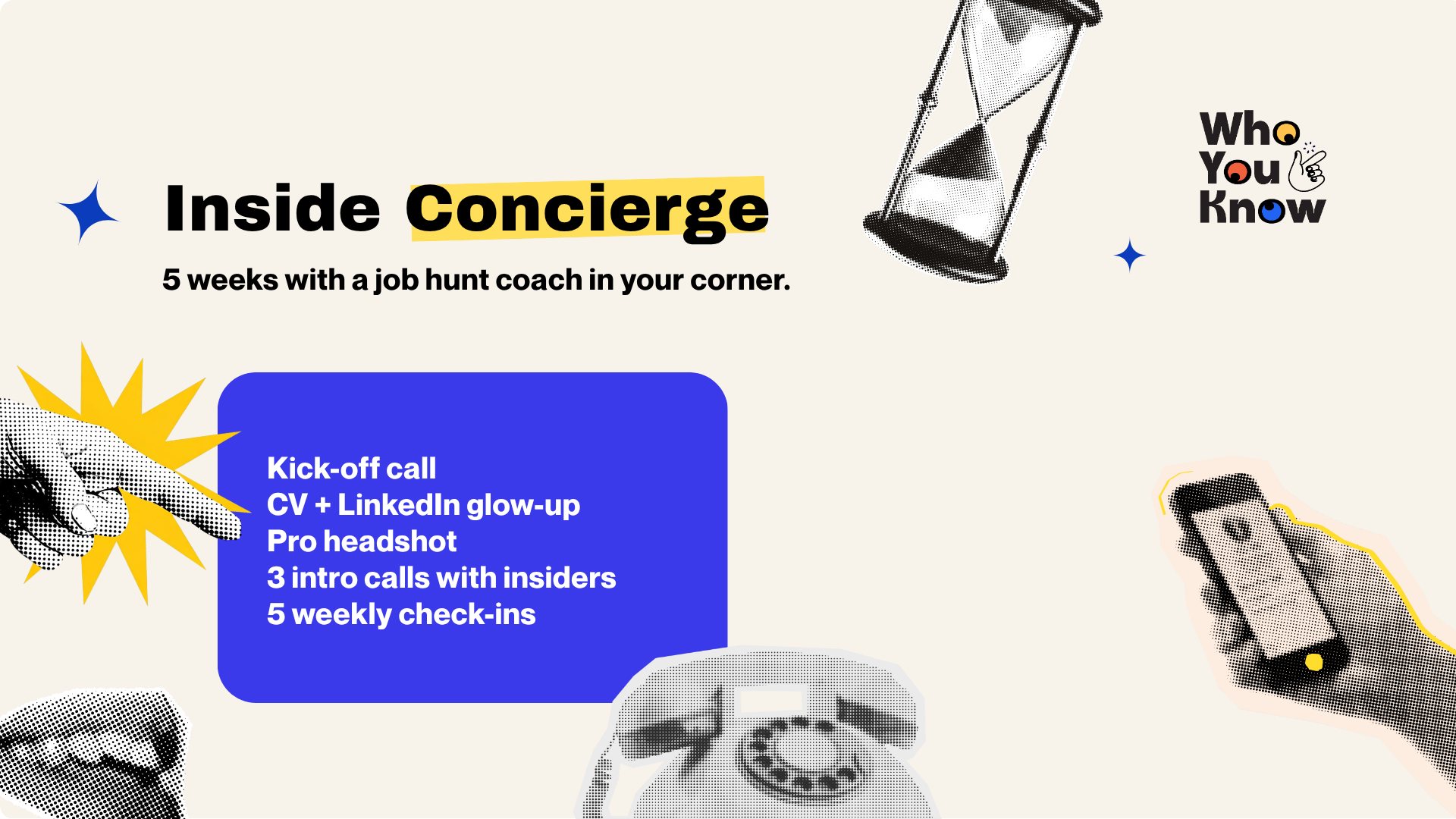
Inside Concierge: what 5 weeks with a job hunt coach looks like
Over the last ten days on this blog, we've talked about fixing your LinkedIn headline, running your job search like a five-week project, and translating your…
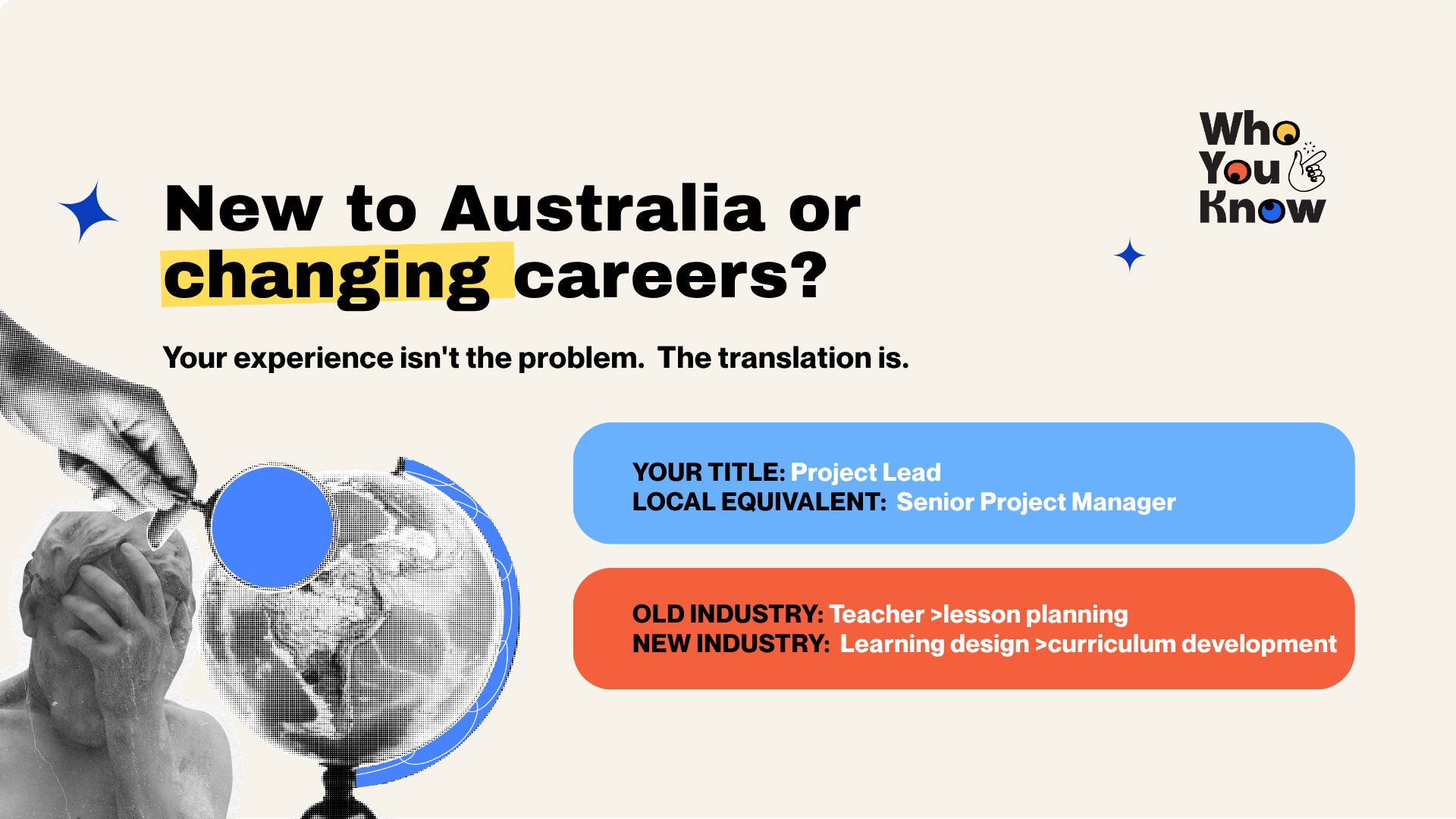
New to Australia or changing careers? How to make your experience make sense to local hiring teams
You've got years of solid experience. You've led teams, shipped projects, hit targets. And yet the applications go out and not much comes back.